Automated trend-following strategies offer a systematic approach to capitalize on market momentum. TradingView, combined with Pine Script, provides a robust environment for developing, backtesting, and executing these strategies. This guide will walk through the critical steps for deploying automated trend-following strategies using Pine Script on TradingView, from initial concept to live automation.
Understanding Trend-Following Principles
Trend-following strategies are designed to capture profits during sustained price movements. The core idea is to identify the direction of the prevailing trend and enter trades that align with it, holding positions until the trend reverses or dissipates. Common technical indicators used in trend following include moving averages (simple, exponential), the Average Directional Index (ADX), MACD, and Bollinger Bands. These tools help traders filter market noise and confirm trend strength and direction across various timeframes. Effective trend-following relies on clearly defined rules for trend identification, entry points, and protective exit strategies. The strategy’s success often hinges on its ability to minimize losses during choppy or range-bound markets while maximizing gains during strong trending phases, which requires careful parameter tuning and risk management.
- Identify market trends using objective indicators.
- Utilize moving averages, ADX, or MACD for trend confirmation.
- Define clear entry rules based on trend initiation signals.
- Implement exit strategies for trend exhaustion or reversal.
- Adapt timeframe selection to target specific trend durations.
Pine Script Fundamentals for Strategy Development
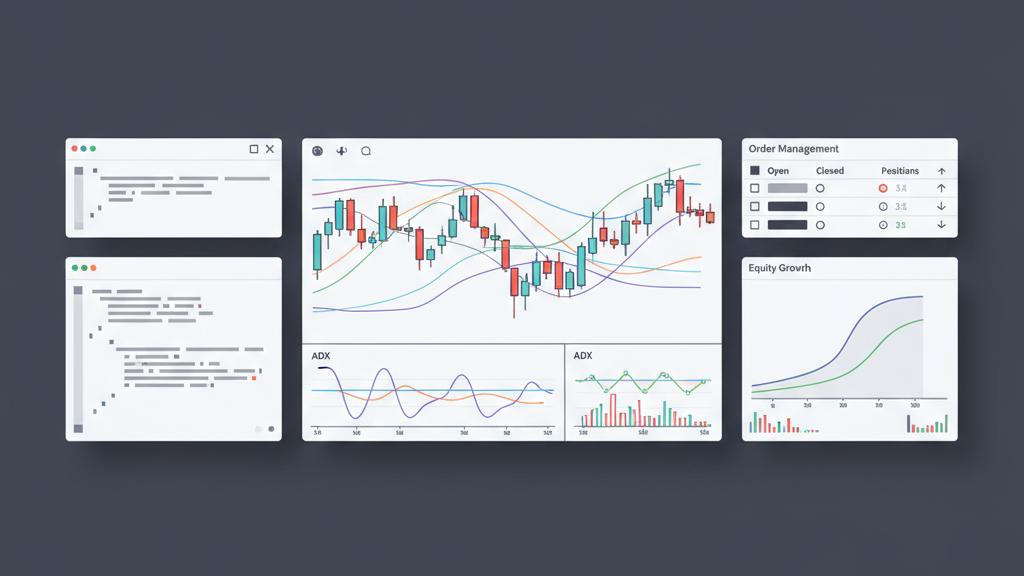
Pine Script is TradingView’s proprietary programming language, specifically designed for developing custom indicators and strategies. Its syntax is relatively straightforward, making it accessible even for those with limited programming experience. To write an automated trend strategy, you will declare variables for indicator parameters, define the strategy logic using conditional statements, and utilize built-in functions for plotting, entering trades, and exiting positions. Understanding the structure of a Pine Script strategy, including the `strategy()` function call for initial setup and the `strategy.entry()` and `strategy.exit()` commands for order management, is fundamental. Accurate data referencing and proper variable handling are crucial for reliable script performance and backtesting accuracy. Familiarity with Pine Script’s execution model, which processes on each bar close, is also essential for correct logic implementation.
- Learn Pine Script syntax for variables and functions.
- Use `strategy()` function to define strategy properties.
- Implement conditional logic for trade signals.
- Employ `strategy.entry()` for opening positions.
- Utilize `strategy.exit()` for closing positions with stops or limits.
Crafting Your Trend-Following Logic in Pine Script
Translating a chosen trend-following concept into Pine Script requires careful mapping of trading rules to code. For instance, a common approach involves a moving average crossover strategy. You would define two moving averages (e.g., a fast EMA and a slow EMA) and then write conditional statements to generate a ‘buy’ signal when the fast EMA crosses above the slow EMA, and a ‘sell’ signal when it crosses below. Incorporating additional filters, such as volume confirmation or a higher timeframe trend filter using the `security()` function, can enhance robustness. Beyond basic entry and exit, consider adding protective stop-loss orders and take-profit targets directly within the script. Debugging and refining the logic iteratively, based on backtesting results, is a critical step to ensure the strategy behaves as intended under various market conditions, making the code both efficient and accurate.
- Translate specific trend rules into Pine Script conditionals.
- Implement moving average crossovers or ADX signals.
- Incorporate additional filters for signal confirmation.
- Define stop-loss and take-profit levels within the script.
- Ensure position sizing logic is clearly coded.
Backtesting and Optimization on TradingView
TradingView’s Strategy Tester is a powerful tool for evaluating the historical performance of your Pine Script strategies. After coding your trend-following logic, run it against historical data to obtain key performance metrics such as net profit, profit factor, maximum drawdown, and Sharpe ratio. These metrics provide insight into the strategy’s profitability and risk characteristics. Optimization involves adjusting strategy parameters (e.g., moving average lengths, ADX thresholds) to find the most favorable settings. However, be cautious of overfitting, where parameters are excessively tuned to past data and perform poorly on new, unseen data. Employ walk-forward optimization and out-of-sample testing to mitigate this risk, ensuring your strategy maintains robustness across different market regimes and avoids curve fitting to specific historical anomalies. A balanced approach to parameter selection is essential for long-term viability.
- Utilize the Strategy Tester to analyze historical performance.
- Evaluate net profit, drawdown, and profit factor.
- Optimize parameters for improved strategy metrics.
- Beware of overfitting when adjusting parameters.
- Conduct out-of-sample testing to validate robustness.
Setting Up Alerts for Automation
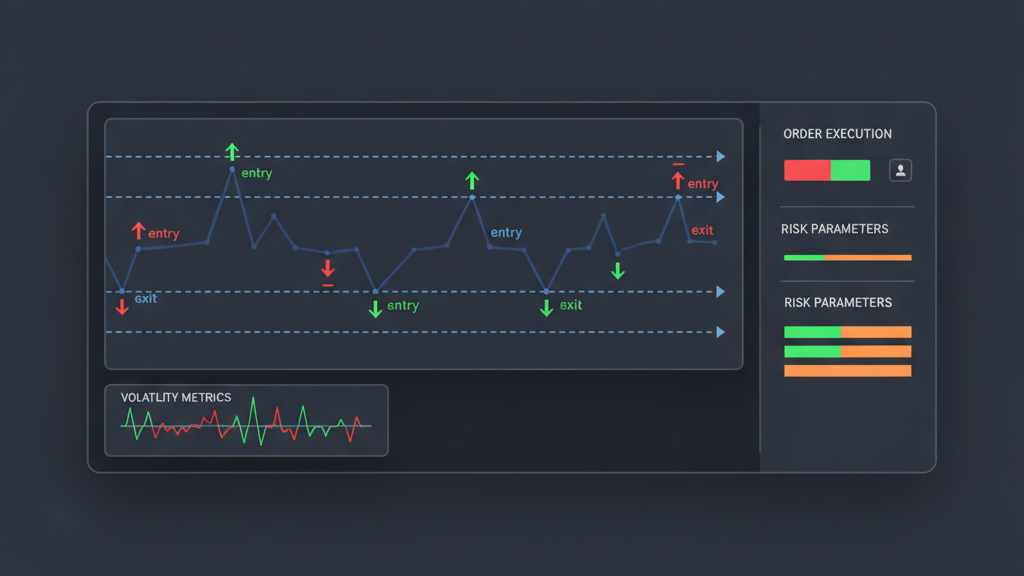
TradingView strategies do not directly execute trades with brokers. Instead, they generate alerts based on predefined conditions, which can then be used to trigger automated actions. To automate your trend strategy, you need to configure these alerts to send webhook notifications to a third-party service. This service acts as an intermediary, receiving the alert data and translating it into trade orders that are sent to your brokerage API. Ensure your webhook URL and payload are correctly configured to pass all necessary trade details, such as symbol, direction (buy/sell), quantity, and order type. Reliability of this connection is paramount for automation. Test the entire alert-to-execution chain thoroughly in a simulated environment before deploying with real capital, verifying that alerts consistently translate into the intended trades without delay or error.
- Configure TradingView alerts for strategy signals.
- Set up webhooks to send alerts to external services.
- Ensure webhook payload includes all trade details.
- Integrate with a third-party execution service or broker API.
- Test the alert-to-execution workflow rigorously.
Managing Risk and Position Sizing
Effective risk management is non-negotiable for any automated trading system, especially for trend-following strategies which can experience extended drawdowns during choppy markets. Implement clear stop-loss levels for every trade to limit potential losses, either as a fixed percentage, ATR-based, or structural price point. Define realistic take-profit targets to secure gains, or employ trailing stops to ride extended trends. Position sizing should be dynamic, adjusting the trade size based on available capital and the calculated risk per trade, ensuring no single trade jeopardizes the entire account. Avoid over-leveraging and establish a maximum daily or weekly drawdown limit for the strategy. These controls must be coded directly into your Pine Script or managed by your execution layer to protect capital and ensure long-term sustainability, regardless of strategy performance.
- Integrate stop-loss orders in every strategy trade.
- Define take-profit targets or use trailing stops.
- Implement dynamic position sizing based on risk capital.
- Limit risk per trade to a small percentage of capital.
- Establish maximum daily or weekly drawdown limits.
Live Deployment and Monitoring
Once your automated trend strategy has been thoroughly backtested, optimized, and its automation chain configured, the next step is live deployment. Begin with a small fraction of capital or paper trading to verify real-world performance without significant risk. Continuous monitoring of the strategy’s live performance is crucial. Regularly check for connectivity issues between TradingView, your webhook service, and your broker. Monitor order fills, slippage, and any discrepancies between expected and actual trade executions. Be prepared to intervene manually if the strategy encounters unexpected market conditions or technical glitches. Regularly review performance metrics in a live context and compare them against backtest results to identify any deviations. This vigilant oversight ensures the system operates reliably and allows for timely adjustments when necessary to maintain its efficacy.
- Start live deployment with paper trading or small capital.
- Continuously monitor alert generation and trade execution.
- Verify connectivity between TradingView, webhook, and broker.
- Track order fills, slippage, and P&L in real time.
- Be ready for manual intervention in case of system errors.
Advanced Pine Script Features and Community Resources
Pine Script offers advanced features that can significantly enhance your automated trend strategies. Exploring custom functions allows for modular and reusable code, improving readability and maintainability. Libraries can encapsulate complex logic, making it accessible across multiple scripts. The `security()` function is invaluable for conducting multi-timeframe analysis, enabling your strategy to confirm trends on higher timeframes before taking trades on lower ones. Additionally, TradingView’s vibrant community and extensive documentation provide a rich resource for learning and problem-solving. Reviewing publicly available scripts can offer insights into different coding approaches and optimizations. Engaging with other Pine Script developers can also lead to new ideas and debugging assistance, fostering continuous improvement in your automated trading capabilities and ensuring your scripts remain current with best practices and platform updates.
- Utilize custom functions for modular code.
- Leverage Pine Script libraries for complex logic.
- Apply `security()` for multi-timeframe analysis.
- Explore the TradingView community for insights.
- Regularly consult documentation for updates and features.