

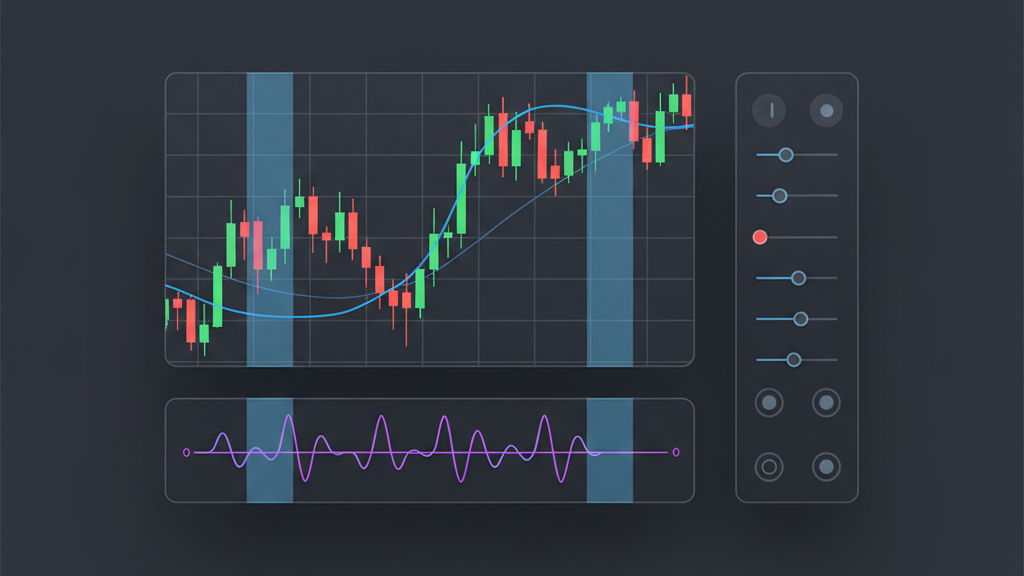
Multi-timeframe (MTF) analysis is a powerful technique for algo traders, offering deeper insights into market dynamics than a single timeframe can provide. By simultaneously observing price action and indicator values across different resolutions, traders can confirm trends, filter out noise, and identify more robust trading opportunities. This approach helps in understanding the broader market context while still focusing on tactical entries and exits. For those developing automated strategies on TradingView, leveraging Pine Script v5’s capabilities for MTF analysis is essential. This guide focuses on building a multi-timeframe indicator with Pine Script v5 for TradingView, detailing the technical implementation, logical considerations, and best practices to enhance your algorithmic trading systems. We will explore how to fetch and integrate data from various timeframes, ensuring your indicators provide a comprehensive view of the market, thereby improving strategy reliability and performance.
Understanding Multi-Timeframe Analysis in Algo Trading
Multi-timeframe analysis is a foundational concept in developing robust algorithmic trading strategies. It involves observing a security’s price action and indicator signals across different time intervals, such as daily, hourly, or even minute charts, simultaneously. This method provides a comprehensive market perspective, allowing traders to identify prevailing trends on higher timeframes while fine-tuning entry and exit points on lower timeframes. For instance, an algorithm might confirm an uptrend on a daily chart before seeking long entry signals on a 15-minute chart. This hierarchical approach significantly reduces false signals generated by short-term market noise, enhancing the reliability and profitability of automated trading systems. Integrating MTF principles into your algo script ensures that your strategy considers the broader market context, leading to more informed and less reactive trading decisions.
- Gain broader market context by analyzing multiple timeframes concurrently.
- Reduce false signals by confirming trends and conditions across different resolutions.
- Improve entry and exit precision by aligning short-term action with long-term trends.
- Enhance strategy robustness against sudden market fluctuations and noise.
- Implement a top-down or confirmation approach for signal generation.
- Filter out minor price movements irrelevant to the main market direction.
Pine Script v5 Fundamentals for Multi-Timeframe Development
Pine Script v5 introduces several enhancements that streamline the development of multi-timeframe indicators. The primary function for accessing data from different timeframes is `request.security()`. This function allows your script to request historical or real-time data from any symbol and resolution, independent of the chart’s current timeframe. Understanding its parameters and behavior is crucial for accurate MTF data integration. Unlike previous versions, Pine Script v5 emphasizes explicit variable declarations and type safety, which contributes to more predictable script behavior and easier debugging. Developers must also be aware of the execution context of `request.security()`, as data fetched from higher timeframes might not update on every bar of the current chart, requiring careful handling of `na` values and synchronization. Mastering these fundamentals forms the basis for efficient and reliable Pine Script v5 MTF indicators.
- Utilize `request.security()` for fetching data from external timeframes or symbols.
- Understand the parameters of `request.security()`: `symbol`, `timeframe`, `expression`, `gaps`, `lookahead`.
- Be aware of data availability and potential `na` values when requesting higher timeframes.
- Manage data synchronization to prevent repainting with `barstate.isrealtime`.
- Leverage Pine Script v5’s type safety and explicit variable declarations.
- Optimize `request.security()` calls to minimize computational overhead.
Implementing `request.security()` for External Data
The `request.security()` function is the cornerstone for building multi-timeframe indicators in Pine Script v5. It enables your script to effectively ‘look’ at another chart’s data without switching the current chart’s timeframe. For example, to fetch a 50-period simple moving average from a daily chart while your primary chart is hourly, you would use `request.security(syminfo.tickerid, ‘D’, ta.sma(close, 50))`. The `symbol` argument (`syminfo.tickerid` for the current symbol) and `timeframe` argument are critical. The `expression` is the calculation you want to perform on the external timeframe. Careful consideration of the `gaps` and `lookahead` parameters is also necessary. Setting `gaps=barmerge.gaps_on` ensures that data gaps are preserved, while `lookahead=barmerge.lookahead_on` can introduce repainting if not handled properly, especially with real-time data. Proper implementation of `request.security()` ensures accurate and timely data for your MTF analysis.
- Use `request.security(symbol, timeframe, expression)` to fetch data.
- Specify the target symbol (e.g., `syminfo.tickerid` for current chart).
- Define the desired timeframe (e.g., ‘D’ for daily, ‘W’ for weekly).
- Pass the Pine Script expression to be calculated on the external timeframe.
- Control data handling with `gaps` (e.g., `barmerge.gaps_on` or `barmerge.gaps_off`).
- Manage `lookahead` carefully to avoid repainting in live trading (typically `barmerge.lookahead_off`).
Designing Your MTF Indicator Logic
Once you have successfully fetched data from various timeframes using `request.security()`, the next step is to integrate this information into your indicator’s logic. This involves defining clear rules for how the multi-timeframe data will influence your signals. For instance, you might combine a higher-timeframe trend filter with a lower-timeframe oscillator signal. A common approach is to use the higher timeframe to establish the market’s direction and the current timeframe to pinpoint entry and exit points. Ensuring logical consistency is vital; a bullish signal on a lower timeframe should ideally align with a bullish or neutral stance on the higher timeframe. Carefully structure your conditions to avoid conflicting signals and to maximize the predictive power of your multi-timeframe indicator, translating complex market observations into actionable trading directives for your algo.
- Combine higher-timeframe trend filters with current-timeframe momentum signals.
- Define clear conditions for signal confirmation across different resolutions.
- Use MTF data to establish market bias (e.g., bullish above daily SMA).
- Integrate risk management by considering volatility across multiple timeframes.
- Structure logic to prevent conflicting signals between timeframes.
- Validate signal strength by ensuring alignment with the dominant trend.
Backtesting and Optimization with Multi-Timeframe Indicators
Backtesting multi-timeframe indicators presents unique challenges and opportunities for algo traders. Accurate historical data for all requested timeframes is paramount to ensure reliable test results. Traders must meticulously avoid common pitfalls such as lookahead bias, which occurs when a script uses data that would not have been available at the time of the bar close. The `lookahead` parameter in `request.security()` must be set to `barmerge.lookahead_off` to prevent this issue. Optimizing parameters for an MTF strategy requires considering how changes on one timeframe might impact signals derived from another. Techniques like walk-forward optimization can be particularly useful for validating the robustness of MTF strategies across various market conditions, helping to ensure that the developed multi-timeframe indicator performs consistently in live trading scenarios and is not over-optimized for historical data.
- Ensure comprehensive historical data for all timeframes involved in the indicator.
- Strictly avoid lookahead bias by setting `lookahead=barmerge.lookahead_off`.
- Understand how parameter changes on one timeframe affect overall strategy performance.
- Employ walk-forward optimization to validate MTF strategy robustness.
- Evaluate performance across different market regimes to confirm adaptability.
- Test latency and data synchronization in real-time simulations.
Practical Examples and Best Practices for Pine Script MTF
Developing effective multi-timeframe indicators in Pine Script v5 requires adherence to several best practices. First, modularity in code design is crucial. Break down your indicator into smaller, manageable functions for fetching data, calculating values, and generating signals. This improves readability, maintainability, and debugging efficiency. Second, always handle potential `na` values returned by `request.security()` carefully, as they can lead to errors or unexpected behavior if not addressed. Third, consider performance implications; excessive `request.security()` calls can slow down your script. Optimize by caching data where possible or consolidating requests. Finally, visualize your MTF data clearly on the chart using plots, colors, or background highlights to provide immediate visual confirmation of higher-timeframe conditions. These practices ensure your multi-timeframe indicator is robust, efficient, and user-friendly for any algorithmic trading application.
- Structure code modularly using functions for clarity and maintenance.
- Implement `na` checks for data returned by `request.security()` to prevent errors.
- Optimize script performance by minimizing redundant `request.security()` calls.
- Use `var` keyword for variables that need to persist across bars efficiently.
- Visualize MTF conditions directly on the chart for intuitive analysis.
- Thoroughly debug the indicator logic using Pine Script’s debugger and alerts.
Multi-timeframe analysis sounds great in theory, but I’ve learned the hard way that most single EAs crack under different market regimes. I tested 20+ over the years and watched them all fail live after crushing it in backtest. The real issue you’re hitting is over-optimization to one timeframe setup. I’ve had better luck with Ratio X Toolbox since it actually gives you 10 different EAs for different conditions instead of forcing one bot to be everything, which is probably why I haven’t blown through another drawdown cycle yet. Does your Pine Script approach account for regime switching, or are you assuming one indicator works across all market conditions?