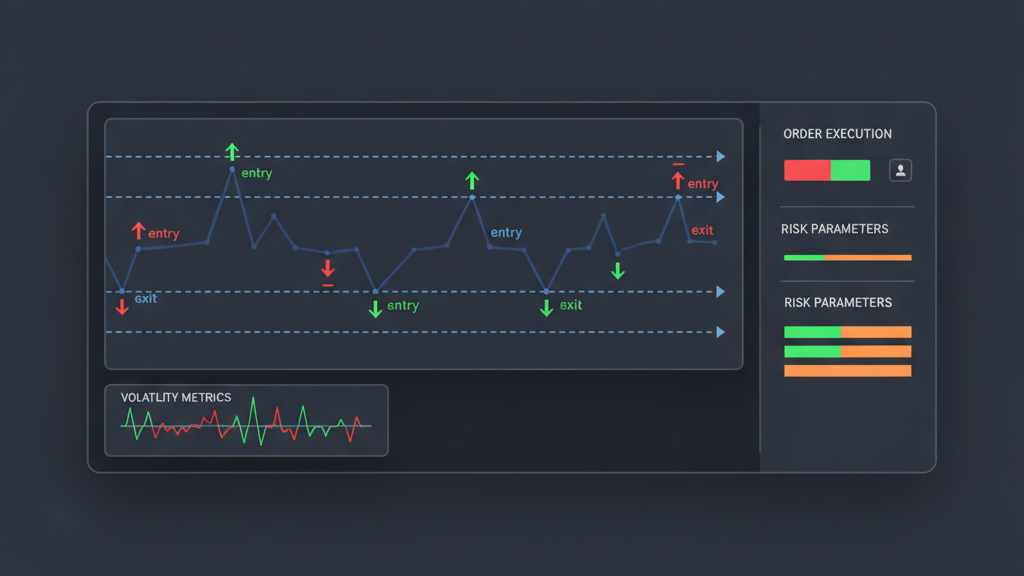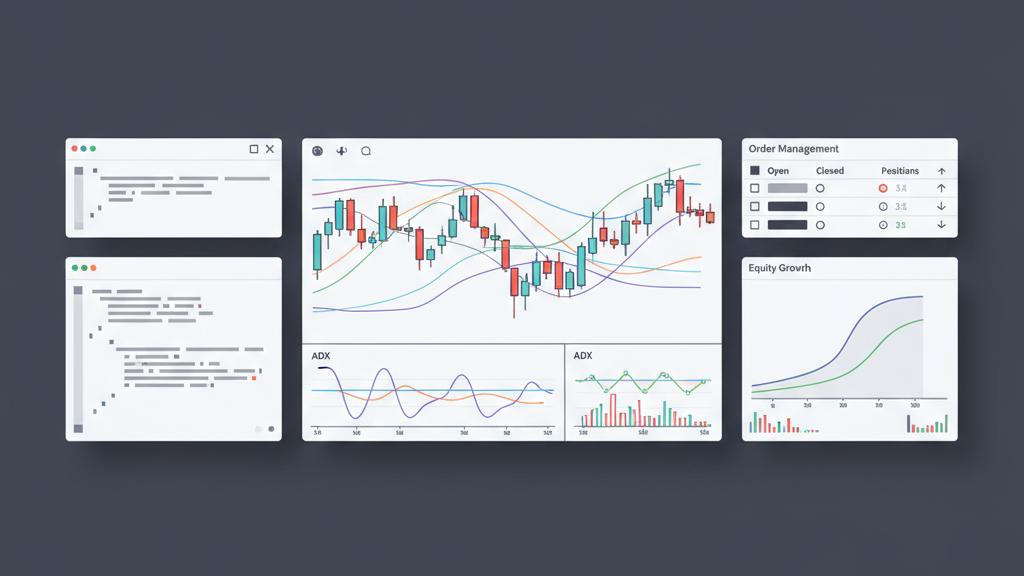
MetaTrader 4 (MT4) is a widely used platform for retail forex and CFD trading. While powerful, its default order management interface can sometimes lack the specific functionalities required by advanced algo traders. **Creating a custom order management panel in MT4 using MQL4** allows traders to design an interface that perfectly matches their strategy requirements. This customization provides direct control over order placement, modification, and execution, streamlining trading operations and integrating complex logic not available out-of-the-box. A custom panel can significantly improve execution speed, accuracy, and overall trading experience by consolidating essential controls and data into a single, intuitive interface. For quantitative teams and brokerage operations, tailored order management tools ensure consistency and adherence to specific trading protocols.
Why Custom Order Management Panels are Essential for Algo Traders
Default MT4 functionality, while robust for manual trading, often falls short for sophisticated algorithmic strategies. Algo traders require granular control over order parameters, rapid execution capabilities, and real-time feedback loops that standard interfaces may not provide. A tailored order management system built with MQL4 allows for the integration of custom logic, such as dynamic position sizing based on account equity, advanced trailing stop mechanisms, or one-click execution of pre-defined order sets. This level of customization is crucial for maintaining a competitive edge, reducing manual errors, and adapting quickly to evolving market conditions. For quantitative teams, it ensures that proprietary trading methodologies are precisely implemented and executed, upholding the integrity of their models. Brokerage operations can also leverage custom panels to enforce specific trading rules or provide enhanced tools for their clients, improving overall service delivery and risk compliance. This control over execution details is paramount for successful algo trading.
- Integrate proprietary execution logic for improved trade entry and exit.
- Consolidate key order parameters and real-time data into a single view.
- Reduce manual errors and enhance execution speed through automation.
- Implement dynamic risk management directly into the trading workflow.
- Tailor the interface to specific strategy requirements and user preferences.
MQL4 Fundamentals for Building Interactive Panels
MQL4 provides a comprehensive set of functions and objects for graphical user interface (GUI) development. To build an interactive panel, developers must understand how to create and manage graphical objects, handle events, and interact with the MT4 client terminal. Key MQL4 elements include object creation functions like `ObjectCreate()` for buttons, edit fields, and labels, along with `ObjectSet()` and `ObjectGet()` for managing their properties. Event handling is crucial; the `OnChartEvent()` function allows the expert advisor or script to respond to user interactions such as mouse clicks on custom buttons or keyboard inputs. A solid grasp of these fundamentals is essential for creating a responsive and functional custom order panel. These components form the building blocks for any custom graphical interface within MT4, enabling dynamic interaction with the trading platform and underlying market data. Proper use of object identifiers and event codes ensures that the panel operates reliably and precisely.
- Utilize `ObjectCreate()` to place buttons, input fields, and text labels.
- Implement `OnChartEvent()` to capture user interactions like clicks.
- Manage object properties with `ObjectSet()` and retrieve them with `ObjectGet()`.
- Structure MQL4 code using structs or classes for better organization.
- Master chart refresh functions to ensure real-time panel updates.
- Understand graphical object identifiers for precise control and manipulation.
Designing the Custom Panel Interface and Controls
Effective interface design for a custom order management panel focuses on clarity, intuitiveness, and efficiency. The layout should logically group related controls, such as order entry fields (lots, stop loss, take profit) separate from action buttons (buy, sell, close). Use distinct visual cues, like different colors or sizes for buttons, to differentiate their functions. MQL4 allows for considerable flexibility in placing objects on the chart, using coordinates relative to the chart window. Consider fixed-position panels that remain visible regardless of chart scrolling or scaling. Input fields for numerical values should have clear labels and handle user input validation to prevent errors. Implementing toggle buttons for specific features, like ‘one-click trading’ or ‘trailing stop active,’ can streamline complex operations. Prioritizing essential functions ensures that the panel remains functional and does not become overly cluttered, which is key for efficient trading in high-pressure situations. A well-designed panel reduces cognitive load and improves reaction times.
- Arrange controls logically (e.g., order entry, action buttons, status).
- Use clear labels and distinct visual cues for different functions.
- Implement input validation for numerical fields to prevent errors.
- Design for fixed positioning to ensure constant visibility on the chart.
- Consider dropdowns or toggle buttons for advanced feature selection.
- Integrate visual feedback for real-time status and market conditions.
Implementing Core Order Execution Logic in MQL4
The heart of any custom order management panel is its ability to interact directly with the MT4 trading terminal to place, modify, and close trades. This involves utilizing MQL4’s trading functions, primarily `OrderSend()` for placing new orders, `OrderModify()` for adjusting existing orders, and `OrderClose()` for exiting positions. When a user clicks a ‘Buy’ button, the corresponding MQL4 function should gather parameters from input fields (volume, stop loss, take profit) and construct a `TradeRequest` structure before calling `OrderSend()`. For `OrderModify()`, the panel needs to identify the target order by ticket number and then pass updated parameters. Robust error handling is critical; the panel must check the return values of these trading functions and provide clear feedback to the user if an operation fails. This includes handling `GetLastError()` codes to diagnose issues such as invalid parameters or insufficient funds. Developing custom order management panels requires careful attention to the nuances of these trading functions to ensure reliable and precise execution.
- Use `OrderSend()` to place new market or pending orders with custom parameters.
- Implement `OrderModify()` to adjust stop loss, take profit, or pending prices.
- Utilize `OrderClose()` for closing open positions based on user input.
- Incorporate robust error handling and feedback using `GetLastError()`.
- Develop custom logic for advanced order types like OCO or partial closes.
- Ensure secure parameter validation before sending trading requests.
Integrating Advanced Risk Management into the Panel
Effective risk management is non-negotiable for sustainable trading. A custom order management panel provides an ideal platform to hardwire risk controls directly into the execution workflow. Instead of manually calculating stop-loss levels or position sizes, the panel can automate these processes based on predefined rules. For example, it can calculate lot size based on a percentage of account equity and a maximum risk per trade, ensuring consistent risk exposure. Stop-loss and take-profit levels can be dynamically generated based on market volatility indicators or ATR (Average True Range). This proactive integration of risk parameters prevents over-leveraging and helps protect capital, regardless of human error or emotional biases during fast market moves. Developing custom order management panels with these features elevates the trading process beyond simple execution to a comprehensive strategy implementation tool. It moves risk management from a theoretical concept to an enforced operational reality for every trade.
- Automate position sizing based on account equity and risk percentage.
- Dynamically calculate stop-loss/take-profit levels using market volatility.
- Integrate advanced trailing stop and break-even stop functionalities.
- Display real-time risk metrics like exposure, P/L, and drawdown.
- Enforce capital preservation rules directly at the point of order entry.
- Prevent over-leveraging through automated lot size validation.
Real-time Data Display and UI Updates
A custom order management panel’s utility is significantly enhanced by its ability to display real-time market data and update its interface dynamically. Traders need immediate feedback on prices, account status, and open positions to make timely decisions. MQL4 allows retrieval of current bid/ask prices using `SymbolInfoDouble()` or `iOpen()`, `iHigh()`, etc., for specific symbols and timeframes. Account information, such as equity, balance, and free margin, can be accessed via `AccountInfoDouble()`. The panel should continuously update text labels and input fields to reflect these changes. For instance, displaying the current profit/loss of an open position or the remaining time until a pending order expires provides critical context. Efficient updating mechanisms, possibly using timer events or checking for new ticks, ensure the displayed information remains accurate without consuming excessive system resources. This responsiveness is crucial for an effective custom order management panel, as outdated information can lead to poor trading decisions and missed opportunities. Accurate, real-time data underpins reliable algo trading execution.
- Fetch real-time bid/ask prices and account metrics using MQL4 functions.
- Update panel labels and inputs dynamically to reflect current data.
- Implement efficient refresh mechanisms (e.g., on new tick, timer events).
- Display open position P/L and pending order status in real-time.
- Use visual cues (color changes) for immediate feedback on trade events.
- Optimize updates to avoid excessive resource consumption and maintain responsiveness.
Testing and Deployment Best Practices for Custom Panels
Thorough testing is paramount before deploying any custom order management panel in a live trading environment. Begin with extensive testing in the MT4 Strategy Tester using historical data. While Strategy Tester is primarily for EAs, it can simulate chart events and order executions, allowing you to verify the panel’s logic under various market conditions. Pay close attention to how the panel handles boundary conditions, high volatility, and unexpected data. After backtesting, deploy the panel on an MT4 demo account for forward testing. This allows real-time interaction with live market data without financial risk. Monitor its behavior for several days or weeks, comparing its functionality against your expected performance. Debugging tools within MQL4, such as `Print()` and `Comment()` functions, are invaluable for logging actions and identifying potential issues. These rigorous testing phases are critical for ensuring the reliability and stability of your custom MT4 order management panel. Skipping these steps can lead to significant operational risks in live trading.
- Conduct extensive backtesting in MT4 Strategy Tester to validate logic.
- Perform forward testing on a demo account with live market data.
- Utilize `Print()` and `Comment()` for logging and debugging issues.
- Start with minimal volume on a live account and scale up gradually.
- Deploy on a reliable VPS for continuous, stable operation.
- Implement real-time error logging and notification systems.
- Maintain version control for MQL4 code and regularly back up files.