MetaTrader 4 (MT4) remains a cornerstone for retail forex and CFD traders seeking automated solutions. Its native programming language, MQL4, empowers users to create sophisticated Expert Advisors (EAs) that execute trading strategies without constant manual intervention. Successfully developing an automated trading bot for MT4 with MQL4 Expert Advisors requires a structured approach, from initial strategy conception to rigorous backtesting and secure deployment. This guide outlines the critical steps and considerations for building reliable and effective trading bots tailored to your specific requirements.
Understanding MQL4 and the MT4 Environment for Automation
MQL4 (MetaQuotes Language 4) is a specialized programming language designed for developing trading applications on the MetaTrader 4 platform. It allows traders to create custom indicators, scripts, and, most importantly, Expert Advisors (EAs) which are essentially automated trading bots. EAs can monitor market conditions, execute trades, manage open positions, and implement risk controls according to predefined rules. The robust integration of MQL4 within the MT4 terminal provides a powerful environment for retail traders and quantitative teams to translate complex trading strategies into executable code. Understanding the core functionalities of MQL4 and how it interacts with the MT4 client terminal is the foundational step for any automation project. This includes familiarity with MT4’s chart interface, market watch, terminal window, and the MetaEditor, which is the integrated development environment for MQL4.
- Familiarize yourself with the MQL4 syntax, data types, and core functions.
- Understand the MT4 terminal’s structure, including Market Watch, Navigator, and Terminal windows.
- Learn how EAs interact with charts for data retrieval and order execution.
- Utilize MetaEditor for writing, compiling, and debugging MQL4 code.
- Recognize the distinctions between EAs, custom indicators, and scripts within MQL4.
- Explore common MQL4 libraries for enhancing development efficiency.
Strategy Conception and Translation to MQL4 Logic
Before writing any code, a clear and precise trading strategy is essential. This involves defining entry signals, exit conditions, stop-loss levels, take-profit targets, and money management rules. The strategy must be objective and quantifiable, allowing for deterministic outcomes. Once the strategy is established, the next critical step is translating these qualitative ideas into a structured, MQL4-compatible algorithm. This often involves breaking down the strategy into discrete logical components that can be represented by MQL4 functions and conditional statements. For instance, a moving average crossover strategy would require MQL4 functions to calculate moving averages and then implement ‘if-then’ logic for buy or sell signals. This stage also requires anticipating edge cases and market anomalies that might affect strategy performance, ensuring the logic covers a wide range of market scenarios.
- Clearly define entry and exit conditions for your automated trading strategy.
- Quantify all parameters, such as indicator periods, stop-loss distances, and profit targets.
- Outline explicit money management and position sizing rules.
- Break down complex strategies into modular, MQL4-compatible logical blocks.
- Document your strategy logic thoroughly before commencing coding.
- Consider potential market events that could impact your strategy and how the EA should react.
Developing MQL4 Code for Expert Advisors
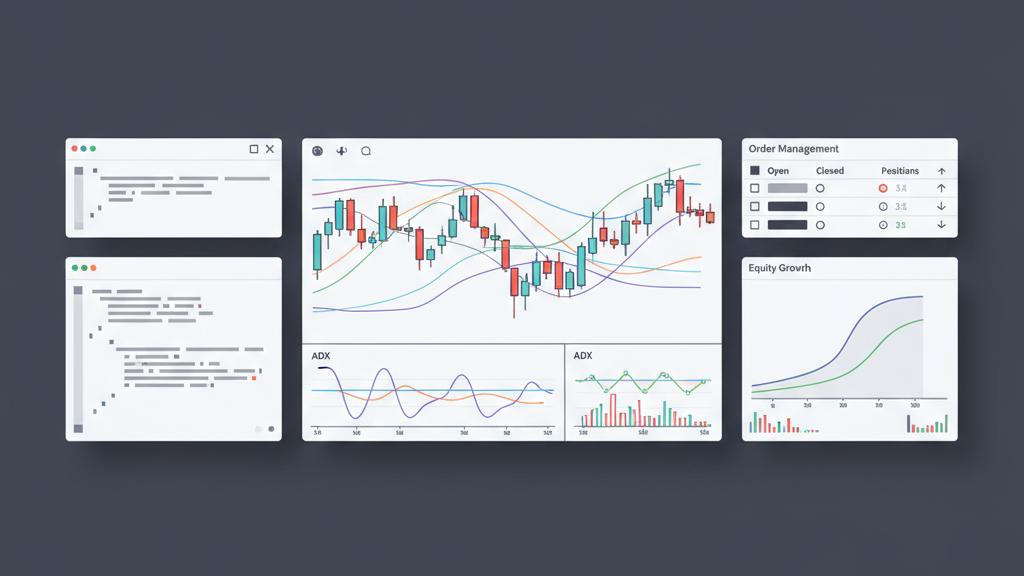
The actual coding process involves writing the MQL4 script that embodies your trading strategy. Expert Advisors typically consist of several key functions: `OnInit()` for initialization, `OnDeinit()` for deinitialization, and `OnTick()` for processing incoming price quotes. Within `OnTick()`, the EA constantly checks for trading conditions, manages open positions, and executes new orders based on your defined logic. This requires understanding MQL4’s extensive set of trading functions, such as `OrderSend()` for placing orders, `OrderModify()` for adjusting existing orders, and `OrderClose()` for closing positions. Implementing robust error handling and clear variable declarations is crucial during this phase. Effective coding practices ensure the EA is not only functional but also efficient, readable, and maintainable, facilitating future updates and debugging efforts. Focus on creating modular code, separating distinct logical components into their own functions for better organization.
- Structure your EA using `OnInit()`, `OnDeinit()`, and `OnTick()` functions.
- Implement `OrderSend()` for placing market and pending orders with proper parameters.
- Utilize `OrderModify()` for adjusting stop-loss, take-profit, and pending order prices.
- Employ `OrderClose()` and `OrderCloseBy()` for managing position exits.
- Incorporate functions for retrieving account information, such as `AccountInfoDouble()` and `AccountInfoInteger()`.
- Write modular code with clear comments to enhance readability and maintainability.
Rigorous Backtesting and Optimization Techniques
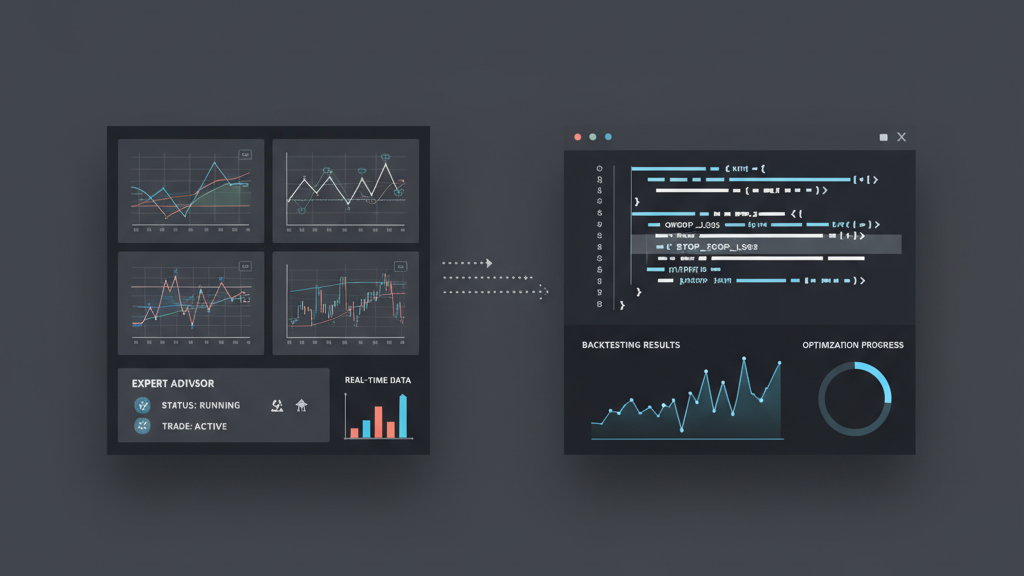
Once the MQL4 Expert Advisor is coded, comprehensive backtesting is paramount to validate its performance and identify potential weaknesses. MT4’s Strategy Tester allows you to simulate your EA’s behavior on historical data, providing insights into its profitability, drawdown, and risk metrics. It is critical to use high-quality historical data for accurate results, preferably tick data. Beyond basic backtesting, optimization involves adjusting EA parameters to find the most favorable settings that maximize profitability while minimizing risk. However, over-optimization can lead to curve fitting, where the EA performs well on historical data but fails in live trading. A systematic approach to optimization, including walk-forward testing and robust parameter testing, is essential to develop a truly resilient automated trading system. Analyzing various performance metrics, such as profit factor, maximum drawdown, and recovery factor, helps evaluate an EA’s overall health.
- Utilize MT4’s Strategy Tester with ‘Every tick’ modeling for accurate backtesting.
- Ensure high-quality historical data, ideally tick data, for reliable simulations.
- Analyze key performance metrics: profit factor, drawdown, Sharpe ratio, and recovery factor.
- Employ optimization strategies to fine-tune EA parameters, but avoid excessive curve fitting.
- Perform walk-forward testing to validate optimization results on unseen data.
- Test the EA across different market conditions and timeframes to assess robustness.
Implementing Robust Risk Management and Error Handling
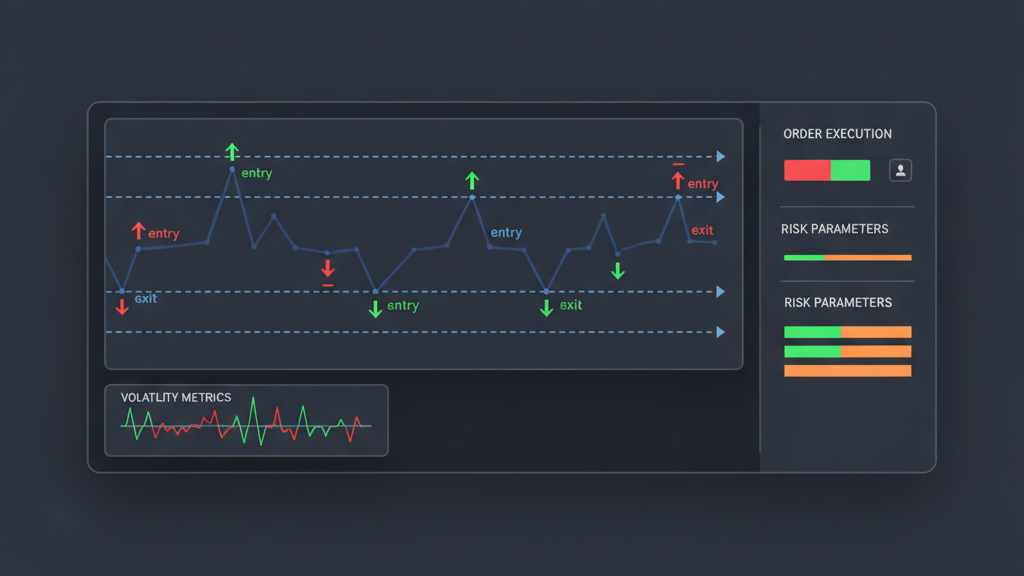
A well-developed automated trading bot for MT4 with MQL4 Expert Advisors must include comprehensive risk management and error handling mechanisms. Risk management involves programming explicit rules within the EA to control exposure, such as fixed-fractional position sizing, maximum daily drawdown limits, and individual trade stop-loss orders. These measures protect your capital from unforeseen market movements and consecutive losing trades. Error handling is equally vital, ensuring the EA can gracefully manage unexpected situations like connection issues, invalid trade requests, or insufficient funds. MQL4 provides functions to check for trade server responses and connection status, allowing the EA to react appropriately. Implementing these controls minimizes potential losses and ensures the automated system operates reliably, even under adverse conditions. A robust EA anticipates problems and has programmed responses.
- Integrate strict stop-loss and take-profit levels for every trade initiated by the EA.
- Implement dynamic position sizing based on account equity or fixed risk per trade.
- Program maximum daily or weekly drawdown limits to prevent significant capital loss.
- Add error checking for trade operations (e.g., `GetLastError()` after `OrderSend()`).
- Monitor connection status and handle disconnections gracefully within the EA.
- Include logging mechanisms to track EA actions, errors, and trade events.
Deployment, Monitoring, and Maintenance of Live EAs
After thorough testing and validation, the next stage is deploying your MQL4 Expert Advisor to a live trading account. This often involves running the MT4 terminal on a Virtual Private Server (VPS) to ensure continuous operation and minimize latency. Before going live with real capital, it is highly recommended to first run the EA on a demo account for a period, observing its performance in real-time market conditions without financial risk. Once deployed, constant monitoring is crucial. This includes checking trade execution, account equity, and server connection. Automated trading systems require ongoing maintenance; market conditions evolve, and strategies may need adjustments or code updates to remain effective. Regularly review your EA’s performance, comparing it against backtesting results, and be prepared to make necessary refinements or even deactivate the bot if its edge diminishes.
- Deploy your Expert Advisor on a reliable Virtual Private Server (VPS) for continuous operation.
- Start live testing on a demo account to observe real-time performance without risk.
- Monitor trade execution, open positions, account equity, and system logs regularly.
- Establish alerts for critical events, such as disconnections or significant drawdowns.
- Periodically review and compare live performance against backtesting expectations.
- Be prepared to adapt your EA’s parameters or logic as market conditions change.