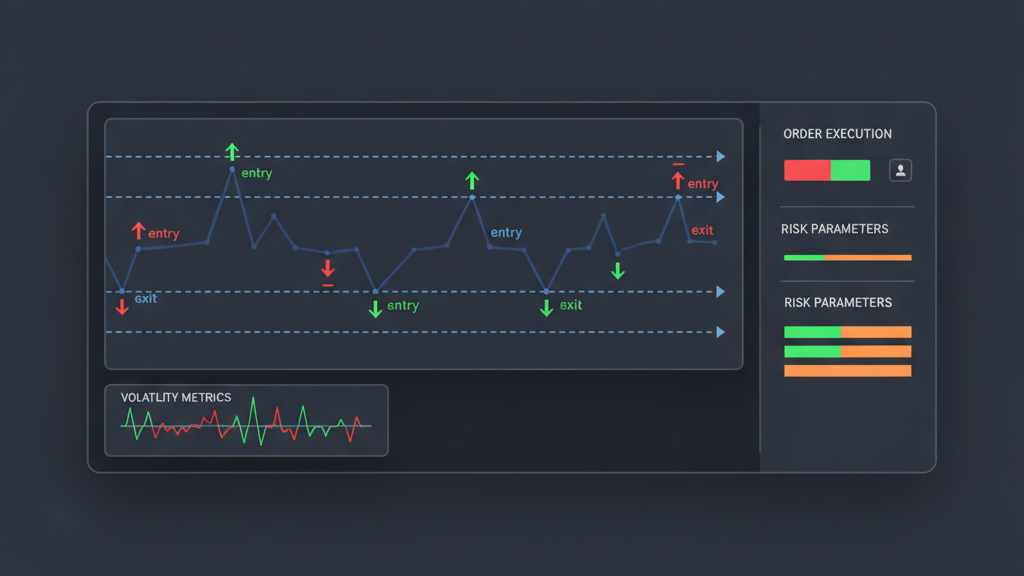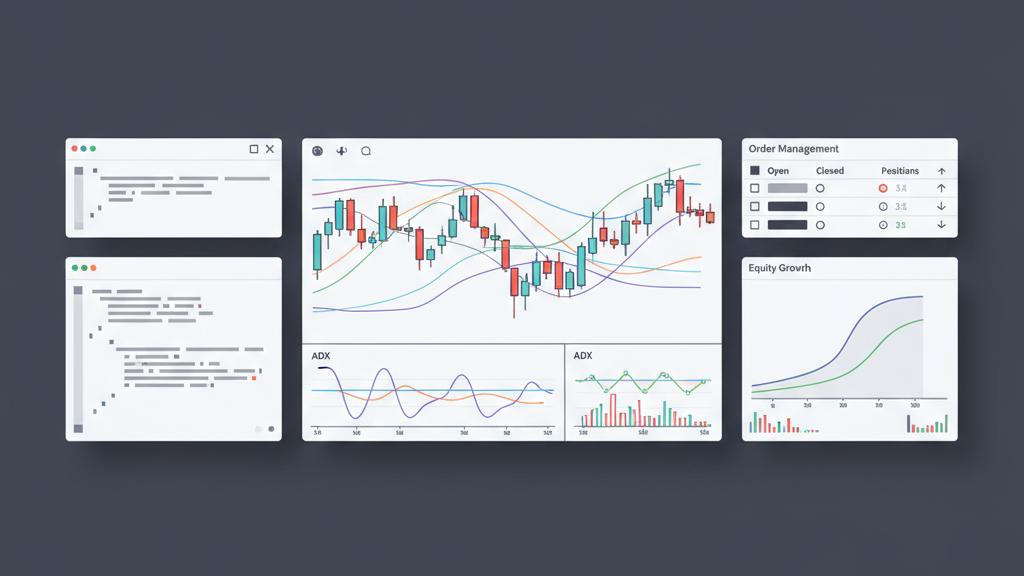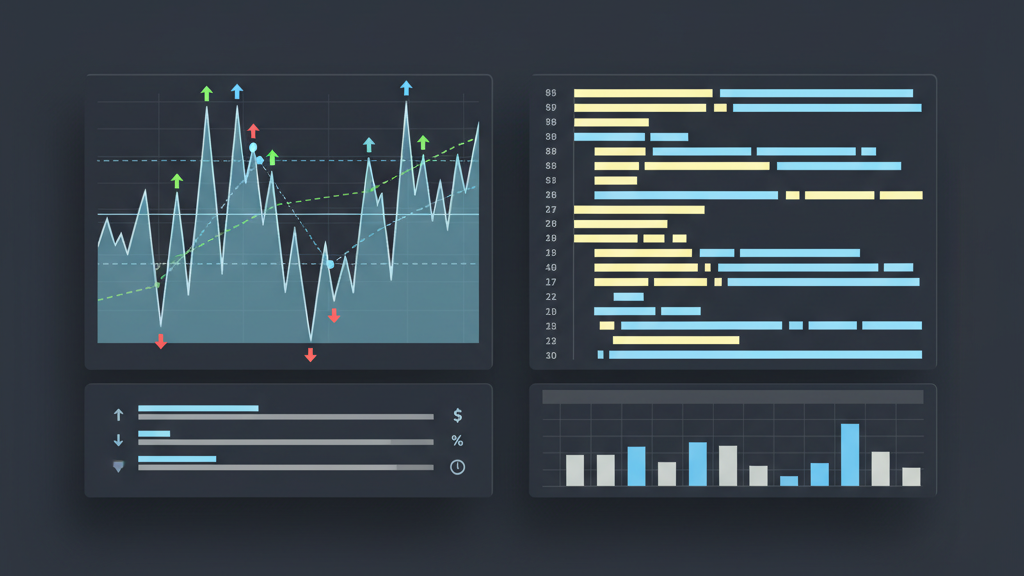
Efficient backtesting is fundamental for developing robust algo trading strategies. Slow strategy execution on platforms like TradingView, especially with complex Pine Script, can significantly hinder the development cycle. Identifying and addressing performance bottlenecks is crucial for obtaining timely and accurate insights. This guide provides practical strategies for optimizing Pine Script strategy execution speed for TradingView backtesting, helping quantitative teams and individual traders streamline their workflow. Improving script efficiency directly translates to quicker iteration, more comprehensive testing, and ultimately, better informed trading decisions. Focusing on key areas of code structure, data handling, and computational logic can yield substantial improvements in performance.
Understanding Pine Script Execution Bottlenecks
Pine Script executes bar-by-bar, which means every line of code is re-evaluated for each historical bar during backtesting. Complex calculations, redundant data requests, and inefficient loops can drastically slow this process. Understanding where your script spends most of its processing time is the first step toward optimization. Common bottlenecks often arise from extensive use of `security()` calls without proper caching, repetitive computations, or reliance on long historical lookback periods. These factors accumulate, turning what might seem like a simple operation into a resource-intensive task across thousands of bars. Identifying these areas allows for targeted improvements, ensuring that your optimization efforts are focused where they will have the greatest impact on execution speed.
- Identify code segments that perform extensive calculations on every bar.
- Recognize the performance impact of `security()` calls, especially without specific bar state checks.
- Understand how data series operations versus simple variable assignments affect speed.
- Pinpoint repetitive or redundant data lookups within your script’s logic.
Efficient Data Handling and Variable Management
Effective data handling is paramount for faster Pine Script execution. Minimizing redundant calls for historical data, particularly using the `security()` function, is critical. Each `security()` call generates a new data request, which can be computationally expensive. Instead, strive to fetch data once and store it in variables for subsequent use. Utilize the `var` keyword for variables that only need to be initialized once, preventing unnecessary re-assignments on every bar. Pre-calculating frequently used values and storing them in variables can also significantly reduce repetitive computations. Judicious management of how and when data is accessed and stored can markedly improve script performance during backtesting.
- Consolidate `security()` calls to fetch data only when necessary, preferably once per bar.
- Employ the `var` keyword for variables initialized only on the first bar.
- Cache frequently accessed or computed values in variables to avoid recalculation.
- Avoid re-requesting the same data multiple times within different parts of your script.
Optimizing Calculations and Conditional Logic
Streamlining mathematical operations and conditional logic is essential for boosting Pine Script execution speed. Complex expressions with many nested functions or repeated sub-expressions should be simplified or broken down. TradingView’s built-in functions are often highly optimized for performance; prefer them over custom-written equivalents when possible. For conditional statements, use the ternary operator (`condition ? value_if_true : value_if_false`) instead of verbose `if-else` blocks for simple assignments. Minimizing the number of logical checks and ensuring they are ordered from most likely to least likely can also reduce the average execution path. These small adjustments collectively contribute to a much faster script, improving backtesting efficiency.
- Simplify complex mathematical expressions by breaking them into smaller parts.
- Leverage Pine Script’s built-in functions as they are optimized for performance.
- Use the ternary operator (`iff`) for single-line conditional assignments.
- Optimize the order of conditional checks, placing more frequent conditions first.
Avoiding Repetitive Operations and Loops
While `for` loops are available in Pine Script, they can be a major source of performance degradation, especially when iterating over large datasets or performing complex operations within the loop. Pine Script’s design is inherently vectorized, meaning operations on series are often handled efficiently without explicit looping. Where possible, refactor logic to use built-in series functions or direct series operations rather than explicit `for` loops. If a loop is unavoidable, ensure its scope is minimized, processing only the necessary number of elements. Understanding the bar-by-bar execution model helps in identifying where loops might be performing redundant work that could be achieved more efficiently through Pine Script’s native capabilities, significantly improving execution speed.
- Minimize the use of `for` loops, especially over long history or within frequent operations.
- Leverage Pine Script’s implicit vectorization for series operations instead of explicit loops.
- Refactor repetitive code blocks into custom functions for better organization and potential optimization.
- Ensure any unavoidable loops operate on the smallest possible data range.
Practical Performance Profiling and Debugging
To effectively optimize, you must first know what parts of your script are slowest. TradingView offers a ‘Pine Script Debugger’ and profiling tools that can provide insights into execution times for different parts of your code. Systematically isolate sections of your script and comment them out to gauge their individual impact on performance. Start with the most resource-intensive areas identified through profiling. Incremental testing, where you make small changes and re-test, is crucial. Utilize `log.info()` or `debug()` functions to print intermediate values and execution counts for specific code blocks, helping you understand their runtime behavior. This methodical approach ensures that optimization efforts are data-driven and yield tangible improvements in execution speed.
- Utilize TradingView’s Pine Script Debugger and profiler to pinpoint bottlenecks.
- Isolate specific code sections to measure their individual performance impact.
- Implement incremental changes and re-test frequently to track improvements.
- Use `log.info()` or `debug()` to monitor variable states and execution paths.
Best Practices for Strategy Architecture
Designing your Pine Script strategy with performance in mind from the outset can save significant optimization time later. Adopt a modular approach by breaking down complex logic into smaller, reusable functions. This not only improves readability and maintainability but also allows for easier identification and optimization of individual components. Use script inputs (`input()`) effectively to control parameters without requiring code changes, allowing for quick iteration on strategy variations. Keep the script’s overall structure clean and well-commented, as this facilitates quicker debugging and understanding of logic flows. A well-architected script is inherently more efficient and easier to maintain, contributing to better long-term backtesting performance and project longevity.
- Structure your script with modular functions to encapsulate specific logic.
- Utilize `input()` for easily configurable parameters to avoid hardcoding values.
- Maintain clear and concise code with comments to aid understanding and future optimization.
- Avoid unnecessary recalculations by structuring dependencies logically.
Impact of Data Granularity and Lookback Periods
The choice of data granularity (timeframe) and the length of the lookback period significantly influences Pine Script execution speed. Backtesting on lower timeframes (e.g., 1-minute vs. 1-day) means processing a much larger number of bars, which inherently increases execution time. Similarly, requesting excessively long lookback periods, especially with `history` or `security()` calls, forces the script to process more historical data than might be necessary. Carefully select the minimum required lookback period for your indicators and strategy logic. Evaluate if a higher timeframe provides sufficient signal quality for your strategy, reducing the total bars processed. Balancing data fidelity with performance is key to efficient backtesting for quantitative trading strategies.
- Select the most appropriate timeframe for your backtesting, avoiding excessively low granularity.
- Optimize lookback periods for indicators and strategy logic to the minimum necessary.
- Be mindful of the performance cost associated with fetching extensive historical data.
- Consider if a strategy performs similarly on higher timeframes to reduce processing load.
External Factors and TradingView Environment
While much of Pine Script optimization focuses on code, external factors and the TradingView environment also play a role in execution speed. Your internet connection stability and speed can impact how quickly data is fetched and compiled. TradingView’s server load can fluctuate, potentially affecting backtesting performance during peak times. Ensure your local machine has sufficient resources, though Pine Script compilation is primarily server-side. Be aware of any script limits imposed by your TradingView subscription level, as these can affect the complexity and length of scripts you can run efficiently. Keeping these external elements in mind helps manage expectations and identify potential non-code-related performance bottlenecks when optimizing Pine Script strategy execution.
- Ensure a stable and fast internet connection for optimal data fetching.
- Be aware of TradingView’s server status and potential impact during high usage.
- Verify your TradingView subscription level does not impose limiting factors.
- Minimize other browser tabs or applications that might consume local resources.